Super Voice Mode
The voice interface layer for your Mac. Local-first dictation, AI Writing, and a voice assistant that drives coding agents, custom personas, and character voices. On-device by default.
Works with everything you use.
Dictate into any app. Drive any AI. The voice layer across your entire Mac.
 VS Code
 Slack
Slack
 Gmail
Gmail
 Notion
Super Voice Mode
Notion
Super Voice Mode  Claude
 Codex
Codex
 Gemini
 OpenClaw
Dictation
Dictation and AI Writing,
right where you type.
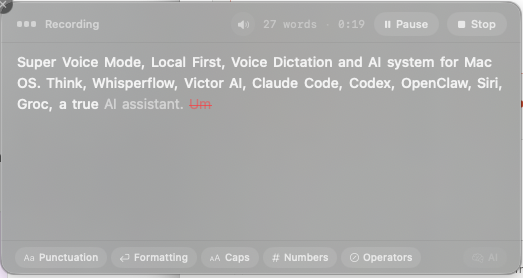
Hold the hotkey, speak naturally, release. Your words land in any app with smart formatting. Use AI Writing when you want a list, reply, translation, rewrite, or optional on-device cleanup.
Onboarding
Start talking in
under a minute.
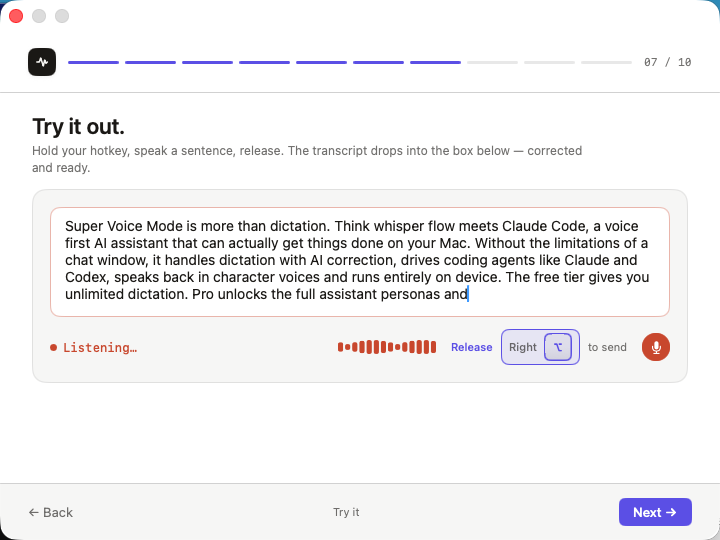
A guided setup that gets you dictating in seconds. Hold your hotkey, speak a sentence, release. The transcript drops in corrected and ready.
Insights
Your voice usage,
at a glance.
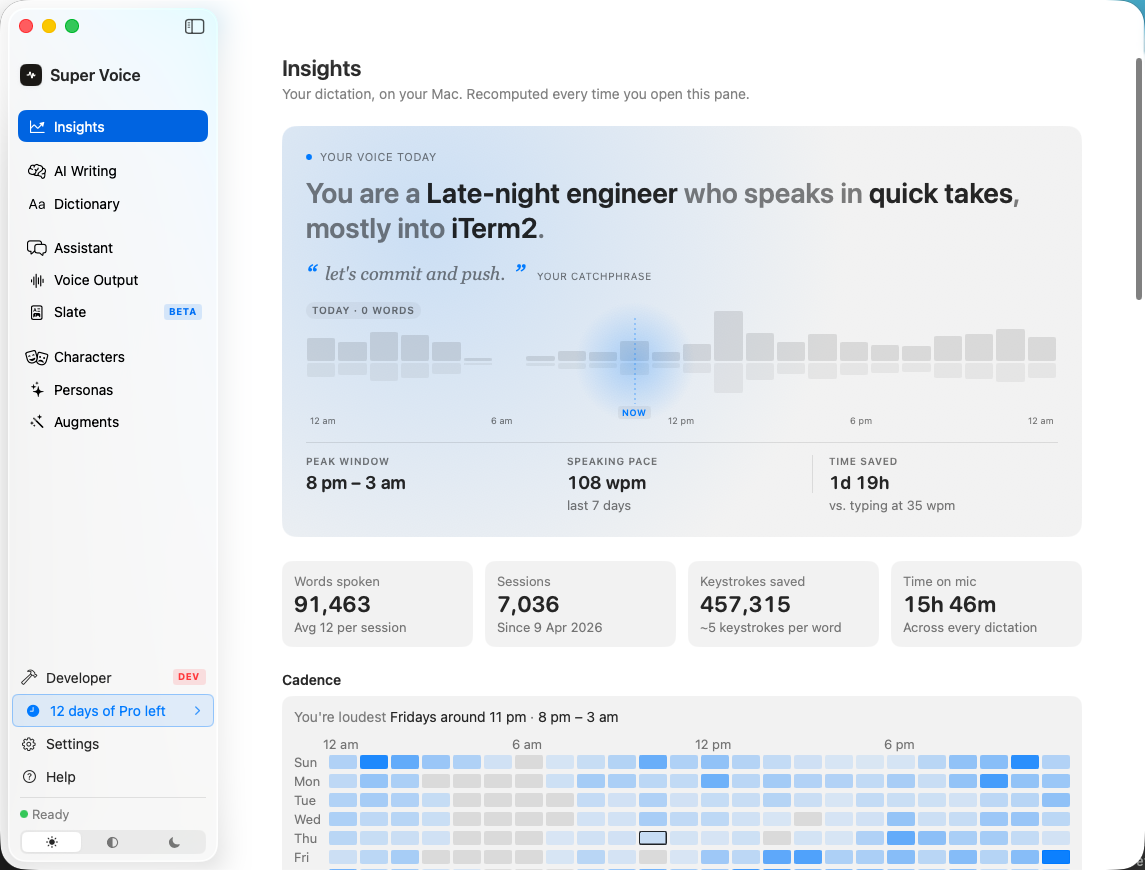
See how you use your voice throughout the day. Words dictated, sessions, peak hours, and AI-generated personality insights that evolve over time.
Slate
Work with AI,
beyond the chat window.
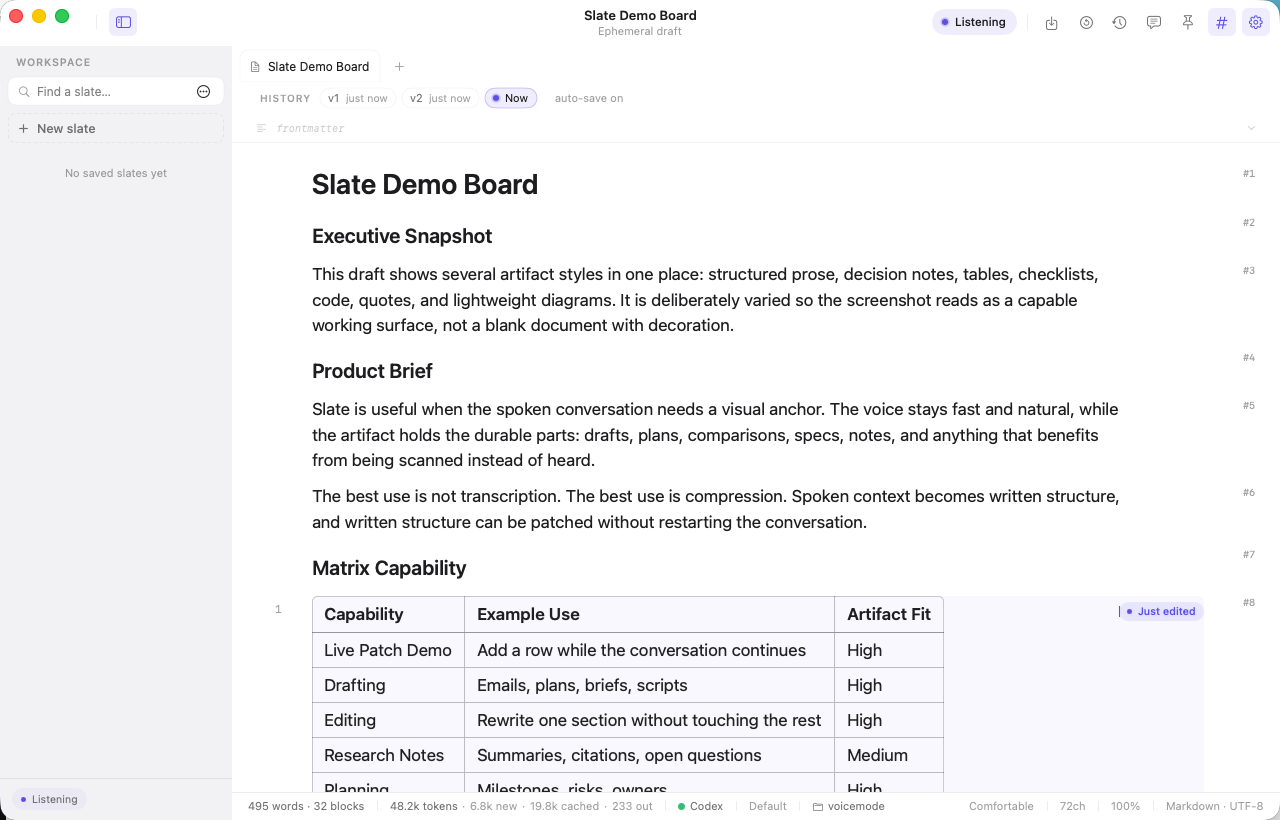
Slate is a voice-first writing surface. Speak and the AI structures your thoughts into documents, notes, tables, and code. No typing required.